
Cloudflare Lower OWASP Setting
If you have the Pro version of Cloudflare, you’ll want to lower the threshold on two of the security settings to keep the Cloudflare splash screen of checks from showing to most of your site visitors.
Log into your Cloudflare account and click on your site’s domain box.
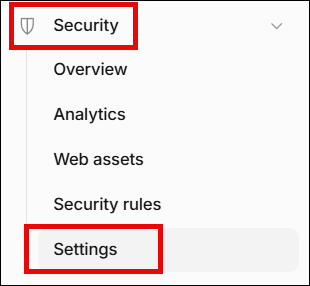
In the left sidebar, click Security > Settings
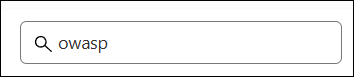
In the Search box on the right, type in owasp
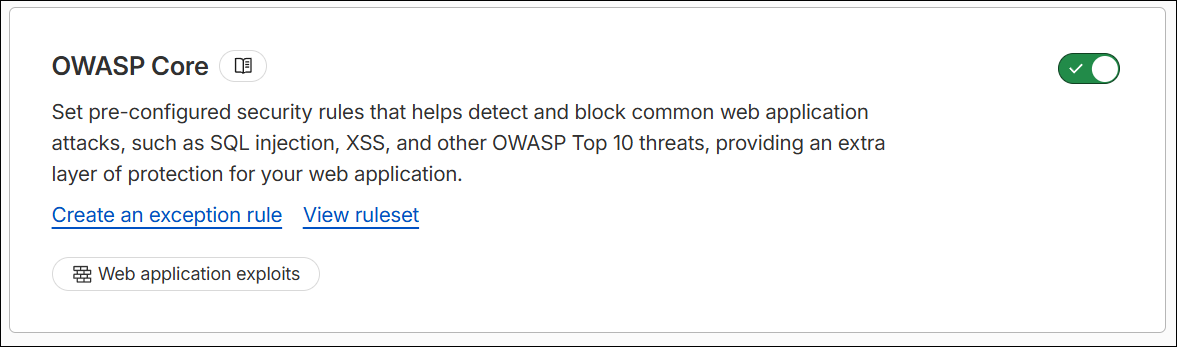
Ensure OWASP Core is turned on
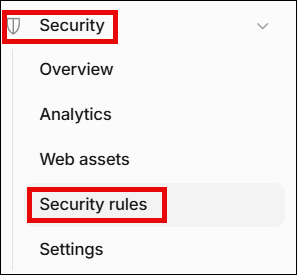
In the left sidebar, click Security > Security Rules
Scroll down to the Managed rules section
NOTE: You may only see the Cloudflare OWASP Core Ruleset. You need to also add the Cloudflare Managed Ruleset, which is covered later.
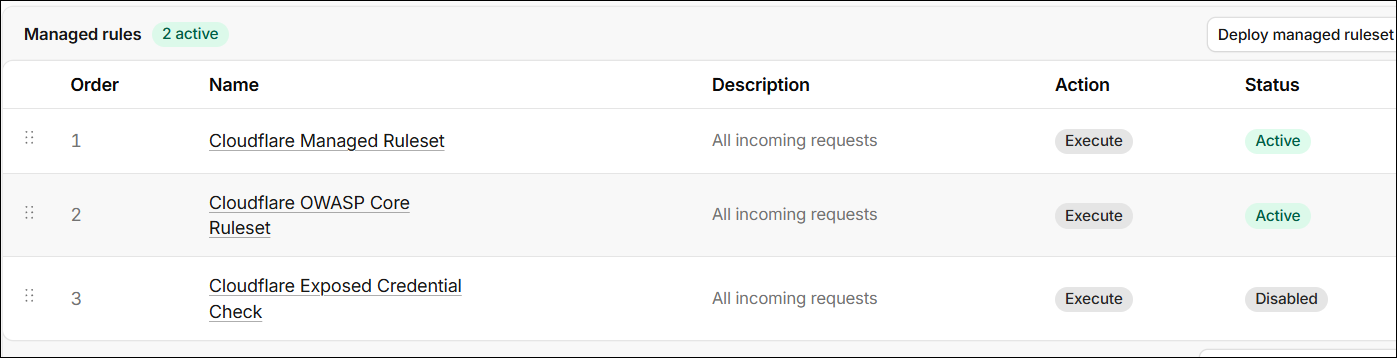
Click on the Cloudflare OWASP Core Ruleset
Ensure all 3 of your settings match the ones shown below
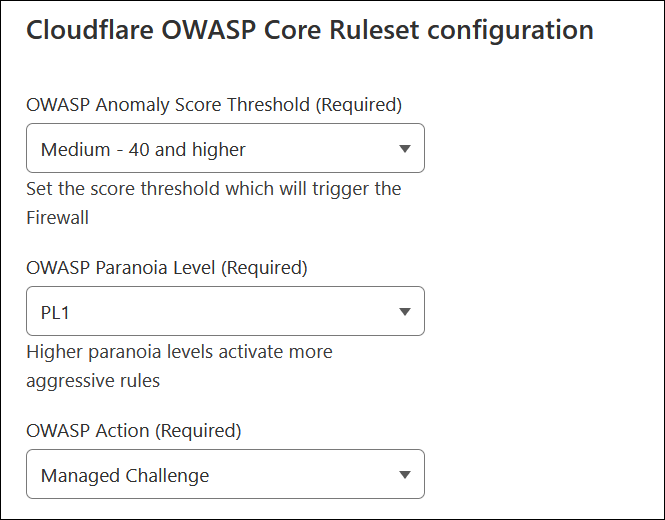
Scroll to the bottom and click the Save button

Deploy Cloudflare Managed Ruleset
If you don’t see this one already deployed, on the right, click the Deploy managed ruleset button.
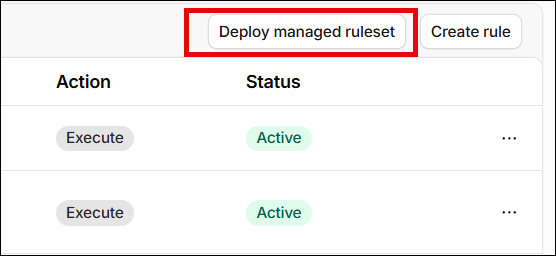
There are no settings to configure.